Technical case study
The CORVO entrance in Astro
Choose ES or EN and the pupil in CORVO’s language selector expands to cover the screen before revealing the homepage. To avoid restarting the video during the page change, the site reuses the same player when its source matches.
Try the CORVO entrance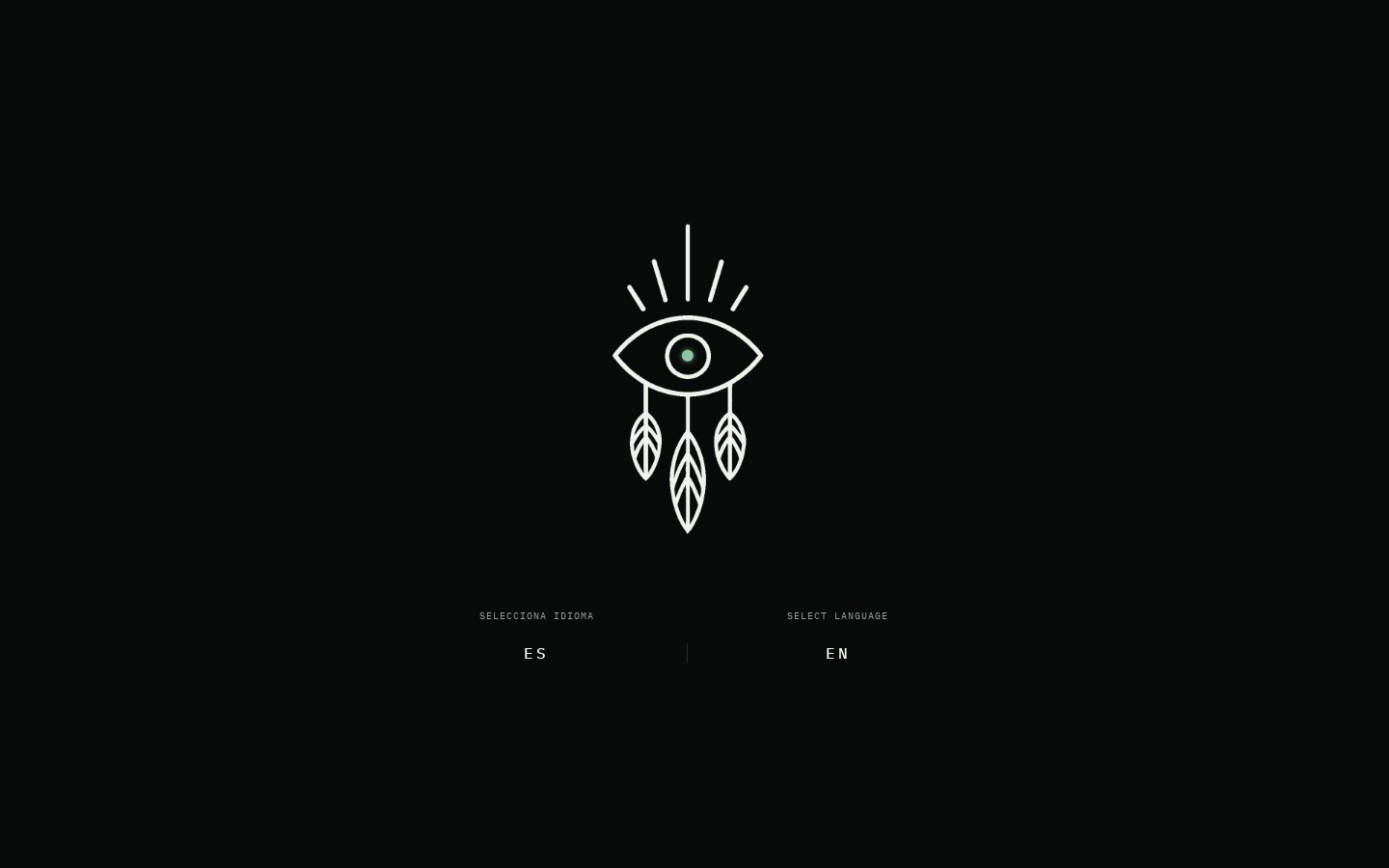
- Work
- Website design and development for corvo01.comThe entrance uses the CORVO eye to lead from the language selector to the animated homepage.
- Format
- Bilingual websiteThe selector opens either a Spanish or an English homepage. Each language has its own pages.
- Technology
- AstroThe tool that builds the site’s HTML pages from its components. · HTML video APIBrowser functions for playing a video and checking its playback state and position. · Cloudflare WorkersThe platform that serves the pages, images and other files to the browser.
Case details
Two homepages you can open directly
The selector lives at / and the full homepages are published at /es/ and /en/. ES and EN are HTML links. They work directly, in a new tab or with JavaScript disabled.
Hovering over or focusing a language link starts preparing the destination page and video in the background. Clicking the link attempts muted playback within the user gesture, before waiting for the pupil animation. The animation and network requests run in parallel.
Moving the player across the page swap
The entrance calls Astro’s client router with a flag for this transition. In astro:before-swap, CORVO checks the active player’s source against the homepage’s supported sources. If it matches, the incoming player’s sources are disabled before they can start a second load.
The active player moves temporarily outside the document body. Astro swaps the body and CORVO places the same element into the homepage. This keeps the available video source and playback position. The pupil expansion covers the change and takes the place of the router’s default visual transition.
When the video takes longer to load
The homepage has its own player and a fallback image. If the source cannot be reused, that player loads the video as usual. If the first frame takes too long, the image is revealed so the dark cover can clear.
If the router stalls or the swap fails, the browser completes the navigation normally. The player handoff also works with the reduced-motion preference enabled.
Static pages and video byte ranges
Astro builds all three pages as HTML. Cloudflare Workers serves the static files and handles byte-range requests for video. The site provides MP4 and WebM sources and a separate composition for portrait screens.
You can try the transition from the CORVO entrance and compare it with loading either language directly. The project’s tests cover player reuse, slow loading, cancelled navigation and reduced motion.